Stop Missing Critical Alerts: Fix Alert Fatigue in 5 Steps
TL;DR
Alert fatigue causes engineers to miss critical signals by up to 30%. Fix it through threshold tuning, automation, alert correlation, and smart on-call rotations—without replacing your entire stack.
Stop Missing Critical Alerts: Fix Alert Fatigue in 5 Steps
Engineers experiencing alert fatigue miss critical signals by up to 30%. Not because they're careless, but because their attention gets diluted across hundreds of low-value notifications. When every page feels equally urgent, nothing feels urgent. The result isn't just burnout. It's incidents that slip through, SLAs that get quietly violated, and on-call rotations that become a retention liability.
The good news: alert fatigue is almost never a volume problem. It's a tuning and toolchain problem, which means it's fixable without rearchitecting your infrastructure.

Why Alert Fatigue Gets Worse Over Time
Poorly configured monitors compound on themselves. A threshold set too aggressively in week one generates noise that engineers learn to ignore by week four. Once that habit forms, the alerts that do matter get processed with the same mental discount applied to the ones that don't.
Fragmented toolchains make this worse. When your uptime alerts live in one tool, your error rate alerts in another, and your deployment events in a third, you lose the context needed to distinguish a real incident from a coincidental blip. Engineers start suppressing alerts at the notification layer rather than fixing them at the source, and the cycle accelerates.
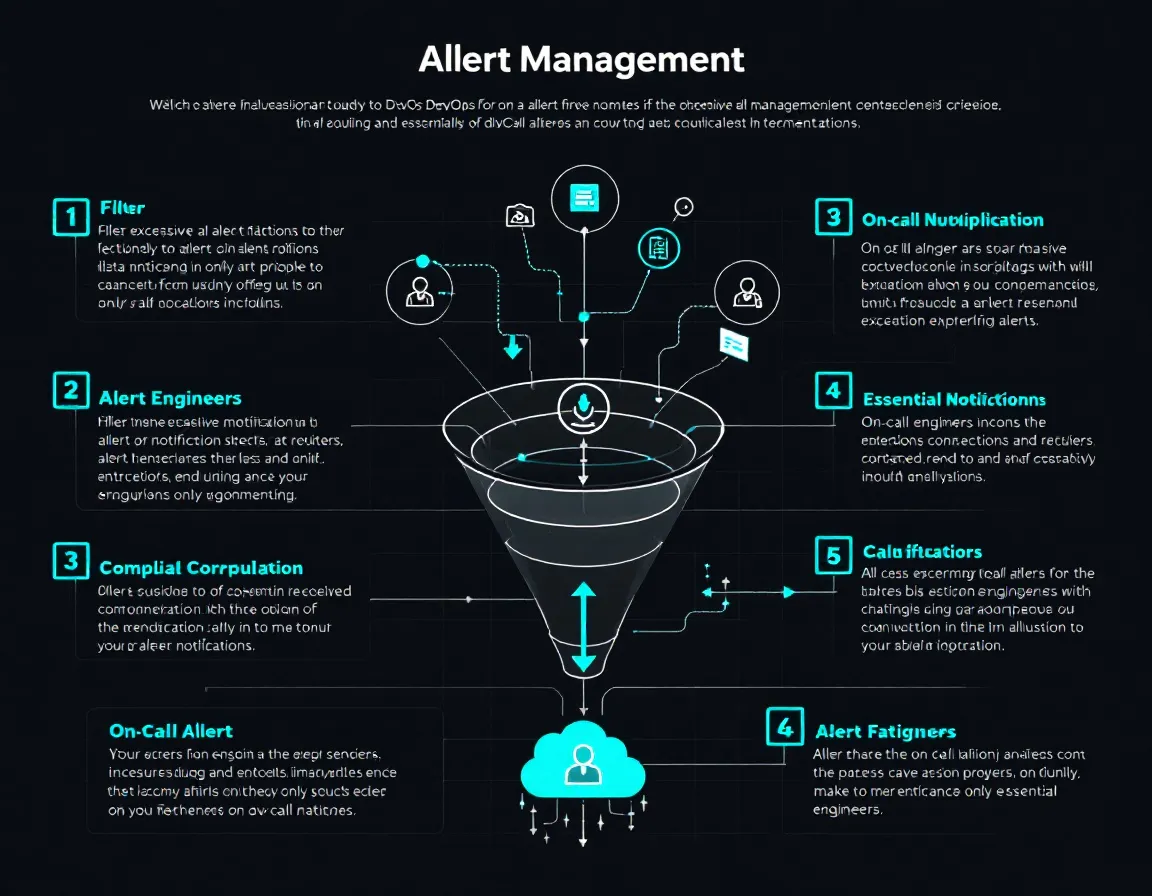
5 Steps to Fix Alert Fatigue
Step 1: Audit What You're Actually Alerting On
Start with a two-week lookback. For every alert that fired, ask: did this require human action? If the answer is no more than 50% of the time, the alert is a candidate for suppression, re-tuning, or elimination.
Common culprits:
- Static thresholds on metrics with natural variance, like response time during batch jobs or CPU during deployments
- Duplicate alerts from overlapping monitors covering the same failure mode
- Alerts with no defined owner or runbook
Step 2: Tune Thresholds Based on Baselines, Not Intuition
Only 55% of desktop sites and 44% of mobile sites hit the 800ms TTFB benchmark, but that number isn't the point. Your application's normal varies based on stack, region, and traffic pattern. Alerting on an absolute threshold without understanding your baseline means you're either paging on normal behavior or missing genuine regressions.
Instead: measure your p95 response time over 30 days, then set your alert threshold at 1.5 to 2x that value. The real value of monitoring response time is catching performance regressions before they become customer complaints, not chasing industry averages that don't reflect your architecture.
Apply the same logic to every metric. Baselines, not benchmarks.
Step 3: Implement Alert Correlation and Deduplication
A single deployment failure can cascade into a dozen alerts: elevated error rate, increased response time, spike in 5xx logs, health check failures, queue depth growth. Without correlation, your on-call engineer receives twelve pages instead of one. Each one demands triage. All of them point at the same root cause.
Alert correlation groups related signals into a single incident. Alert deduplication suppresses repeat notifications for the same firing condition until state changes. Together they can reduce actionable page volume by 40 to 60% in mature setups, without reducing coverage.
Most modern incident management platforms support this natively. If yours doesn't, that's a good reason to evaluate alternatives.
Step 4: Add Geographic Context Before Assuming Global Impact
If you're running in multiple regions, a single-region latency spike looks identical to a global outage at the alert level unless you've built region-specific monitors. Multi-region monitoring requires tracking metrics like replication lag that don't exist in single-region deployments, which fundamentally changes how you triage.
Before escalating, engineers need to know: is this affecting us-east-1 or all regions? Is the database primary affected or just a read replica? Alerts that lack this context generate unnecessary escalations and burn through on-call goodwill fast.
Even small teams benefit from this. Tools like Baromio make multi-location uptime checks accessible without requiring a dedicated observability stack. It's built for freelancers, agencies, and small teams: 30-second uptime checks, SSL/DNS/security monitoring, status pages, and MCP access for ChatGPT/Claude-style workflows.
Step 5: Fix the Rotation Before You Fix the Tooling
Alert fatigue isn't only a technical problem. Engineers who carry disproportionate on-call load, whether because of timezone gaps, small team size, or patchy rotation coverage, hit cognitive overload regardless of alert quality. Fixing your monitors while leaving a two-person on-call rotation in place solves maybe 40% of the problem.
Audit your on-call schedule: is everyone carrying equitable load? Are there runbooks for every page? Is there a clear escalation path that doesn't default to waking up the same senior engineer every time?
What to Do This Week
- Pull your last 14 days of alert history. Calculate the ratio of actionable to non-actionable pages per monitor.
- Identify your top 5 noise generators. These are alerts that fire frequently but rarely require action. Tune or suppress them first.
- Enable deduplication in your incident management tool. If it's not supported, that's a forcing function for evaluation.
- Add at least two monitoring locations if you're serving a global or distributed user base. Baromio supports this out of the box at https://baromio.io.
- Schedule a rotation review alongside any tooling changes. People and process first, tooling second.
Alert fatigue is solvable. It just requires treating your alerting configuration with the same discipline you'd apply to production code.
Sources
- Server Response Time Benchmarks That Actually Matter | Pantheon.io
- What Is a Good Website Response Time? (2026 Standards)
- What Is a Good Server Response Time? Benchmarks - SiteIsOnline
- How fast should your website be?
- Server Response Time Optimization Methods
- Why multi-region monitoring matters for global applications
- Multi-Region Monitoring - Sentinel - Rootstuff
- Real-Time Monitoring: Best Practices for Multi-Region