Stop Alert Fatigue: Fix Prioritization, Not Volume
TL;DR
Alert fatigue isn't caused by too many alerts—it's caused by alerts teams can't trust. Intelligent prioritization and routing solve this without reducing alert volume.
Stop Alert Fatigue: Fix Prioritization, Not Volume
On-call engineers ignore 70% of alerts. Not because they're careless, but because alert desensitization is real, and most monitoring setups are configured to maximize noise, not signal. The instinct is to reduce alert volume. That instinct is wrong.
The actual fix is smarter routing and tighter severity assignment. Teams that reassign alert severity correctly can halve perceived fatigue without changing alert volume at all. That's not a configuration tweak. It's a structural rethink of how incidents surface and who handles them.
Why "Fewer Alerts" Fails as a Strategy
Suppressing alerts to reduce noise is the monitoring equivalent of unplugging a smoke detector because it keeps going off. You solve the annoyance, not the problem.
Here's what actually happens when teams cut volume indiscriminately:
Critical incidents get caught in the same suppression rules as low-value noise. Coverage gaps appear in edge cases like CDN failovers, database pool saturation, and regional latency spikes. And when something genuinely breaks at 2 AM, nobody sees it.
The cognitive load of constant low-value paging is real. But the answer is filtering priority, not filtering events.
The Two Levers That Actually Work
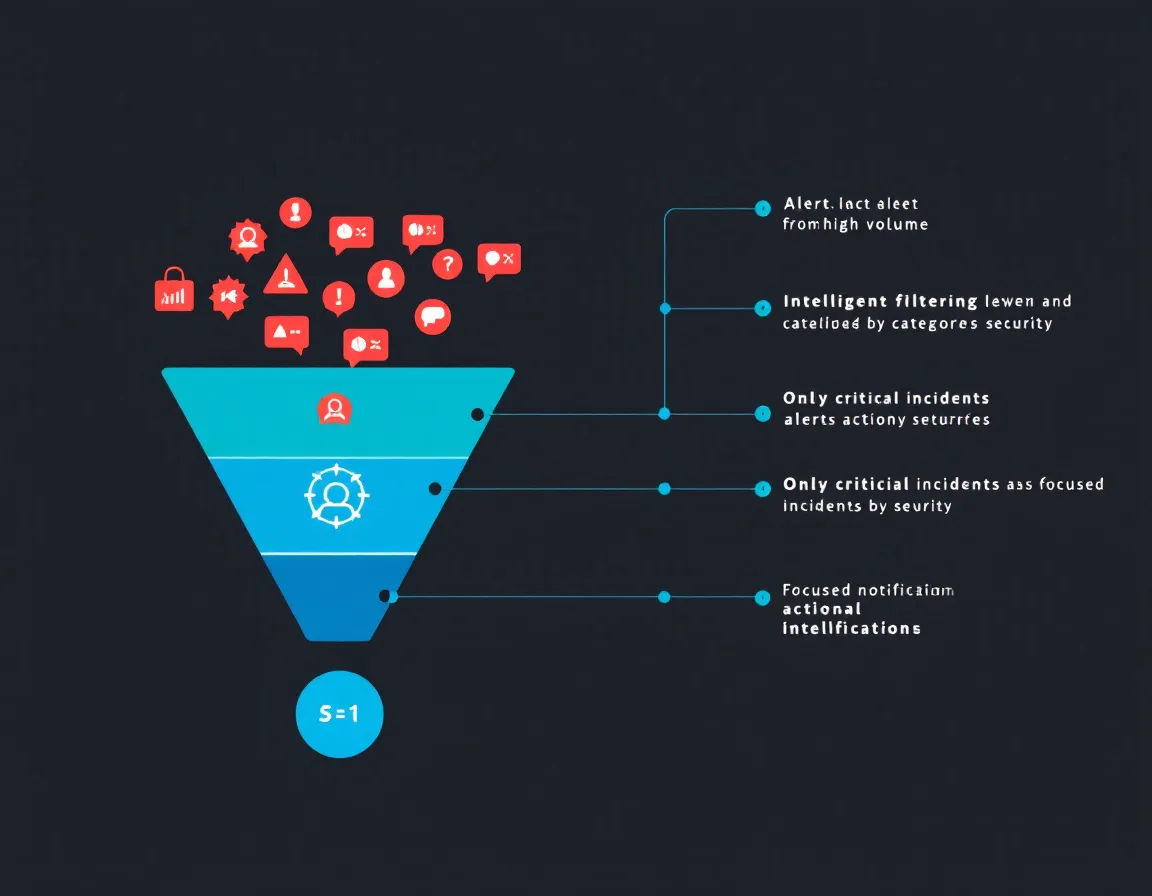
1. Severity Re-Classification
Most teams ship with three alert tiers, critical, warning, info, and then gradually promote everything to critical because "we don't want to miss it." Six months later, critical means nothing.
A practical reclassification looks like this:
| Severity | Definition | Action |
|---|---|---|
| P1 | User-facing impact right now | Page on-call immediately |
| P2 | Degraded performance, not down | Ticket + async notification |
| P3 | Anomaly, no user impact | Log, review weekly |
The discipline is enforcing that P1 stays narrow. If your P1 volume is more than 2-3 alerts per engineer per week, your classification is already broken.
2. Routing by Context, Not Just Severity
Severity alone doesn't determine who should receive an alert. A database connection pool alert at 95% utilization is a P1 for the backend team, but not for the team managing static asset delivery. A CDN cache miss spike in Southeast Asia affects the frontend team and potentially the platform team, but not the database engineers.
Effective database connection pool monitoring requires combining both application-level and server-level metrics to catch bottlenecks that database monitoring alone misses. That matters for routing: if you're only watching server-side pool exhaustion, you'll route alerts to infrastructure when the real owner is the application team managing query patterns.
The same principle applies to CDN infrastructure. Organizations running multi-CDN strategies with geo-specific routing face exponentially more monitoring complexity than single-CDN setups. A TTFB spike in Frankfurt doesn't automatically mean the same thing as a TTFB spike in Tokyo, different PoPs, different cache hierarchies, potentially different providers. Routing both to the same on-call engineer wastes response time and burns attention.
What Good Alert Architecture Looks Like
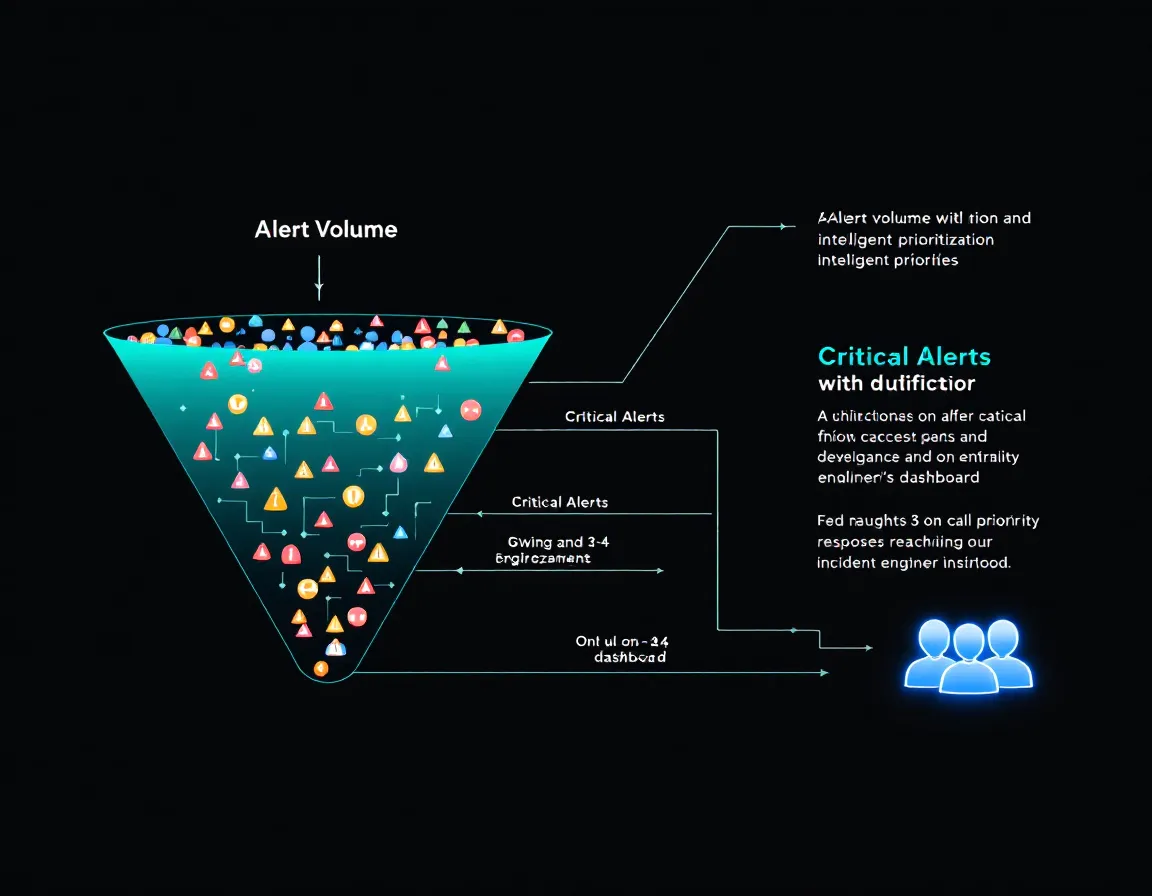
Match Alerts to Ownership
Every alert should have a clear owner before it fires. If you're writing "alert if X exceeds Y" and you don't know who gets paged, you haven't finished defining the alert.
Tools like Baromio support this with 30-second uptime checks that surface availability and SSL/DNS issues early enough to route before they become P1 incidents. For small teams and agencies managing multiple client environments, that kind of AI-ready monitoring at https://baromio.io, with MCP access for ChatGPT/Claude-style workflows, means you can automate triage routing without standing up a full observability stack.
Use Symptom-Based Alerting
Alert on what users experience, not just what your systems report. A CDN alert on cache hit ratio and TTFB by region tells you something is wrong from a user perspective. An alert on a specific PoP's CPU utilization tells you something is wrong with a machine, but not whether anyone noticed.
Symptom-based alerts naturally collapse alert volume. Fifty server-side anomalies might produce one user-facing symptom alert, and that's the one that matters.
Tune Thresholds Continuously
Set a quarterly review on alert thresholds. For every alert that fired in the last 90 days, ask three questions: Did this require action? Was the right person paged? Was the severity correct?
Static thresholds degrade over time as systems change. What was a meaningful anomaly six months ago may be baseline behavior today.
Practical Takeaways
Don't reduce alerts. Reclassify them. Tighten P1 criteria until every P1 genuinely requires immediate human response. Push everything else down.
Route by ownership, not just severity. Build a mapping of alert type to team before incidents happen. CDN alerts, database connection pool alerts, and application errors have different owners.
Alert on symptoms, not system internals. If your monitoring is closer to your infrastructure than to your users, you're optimizing for the wrong thing.
Review thresholds every quarter. Alert configs that aren't maintained become noise generators.
Use your tooling's routing capabilities. Platforms like Baromio exist specifically to give freelancers, agencies, and small teams status pages, SSL/DNS/security monitoring, and fast uptime checks without requiring enterprise-scale configuration overhead.
Alert fatigue isn't a volume problem. It's a relevance problem. Fix relevance, and the volume stops mattering.
Sources
- Deliver Content to End Users with a Foolproof CDN Monitoring Strategy
- Odown Blog | CDN Performance Monitoring: Rum CDN Cache Hit & TTFB by Region
- CDN Monitoring: Strategy, Benefits & Best Practices - LogicMonitor
- CDN Monitoring: Methods, Core Metrics, and Best Practices - Hydrolix
- An Easy and Practical Guide to CDN Monitoring | Last9
- Database Connection Pool Monitoring and Optimization - NetworkVigil
- Database Connection Pooling Explained
- Monitoring database connection | Atlassian Support | Atlassian Documentation